Best AI-Powered Home Security Systems 2026
What AI Brings to Home Security
Traditional home security systems detect motion or open contacts. AI-powered systems do much more. They use machine learning algorithms to analyze video and audio data in real-time, making decisions that older systems cannot. This means fewer false alarms from pets or swaying branches, and more accurate alerts for actual threats.
For example, an AI camera can tell the difference between a delivery driver dropping off a package and an unfamiliar person lingering at your door. Some systems can even learn your family's routines and flag unusual activity. This shift from simple detection to intelligent recognition makes security more effective and less intrusive.
Key AI Features to Look For:
- Object Recognition: Differentiates between people, animals, vehicles, and packages. This is crucial for reducing false alerts.
- Facial Recognition: Identifies known individuals (family, friends) versus strangers. This feature raises privacy concerns for some users.
- Activity Zones & Predictive Analytics: Defines specific areas for monitoring and predicts potential threats based on learned patterns.
- Sound Detection: Recognizes specific sounds like glass breaking, smoke alarms, or carbon monoxide detectors.
- Local Processing (Edge AI): Processes data on the device itself, reducing latency and improving privacy by not sending all video to the cloud.
Top AI-Powered Home Security Systems for 2026
We evaluated several systems based on their AI capabilities, reliability, ease of use, privacy features, and overall value.
1. Arlo Ultra 2
The Arlo Ultra 2 system stands out for its superior video quality and advanced AI analytics. It uses on-device AI to identify people, vehicles, animals, and packages, which significantly cuts down on irrelevant notifications.
- Key AI Features: Smart Object Detection (people, vehicles, animals, packages), Activity Zones, Siren, Auto-Zoom and Tracking.
- Video Quality: 4K HDR video with a 180-degree diagonal field of view. This provides excellent detail, even when zooming in.
- Storage: Local storage option via a microSD card in the SmartHub, plus cloud storage with an Arlo Secure plan.
- Battery Life: Up to 6 months on a single charge, depending on usage. This is a practical advantage for outdoor cameras.
- Cost: A 2-camera kit costs around $599.99. Arlo Secure plans start at $4.99/month for a single camera or $14.99/month for unlimited cameras, offering 30 days of cloud storage and advanced detection features.
- Pros: Excellent video quality, robust AI, wire-free installation, local storage.
- Cons: Expensive initial investment, subscription needed for full AI features and cloud storage.
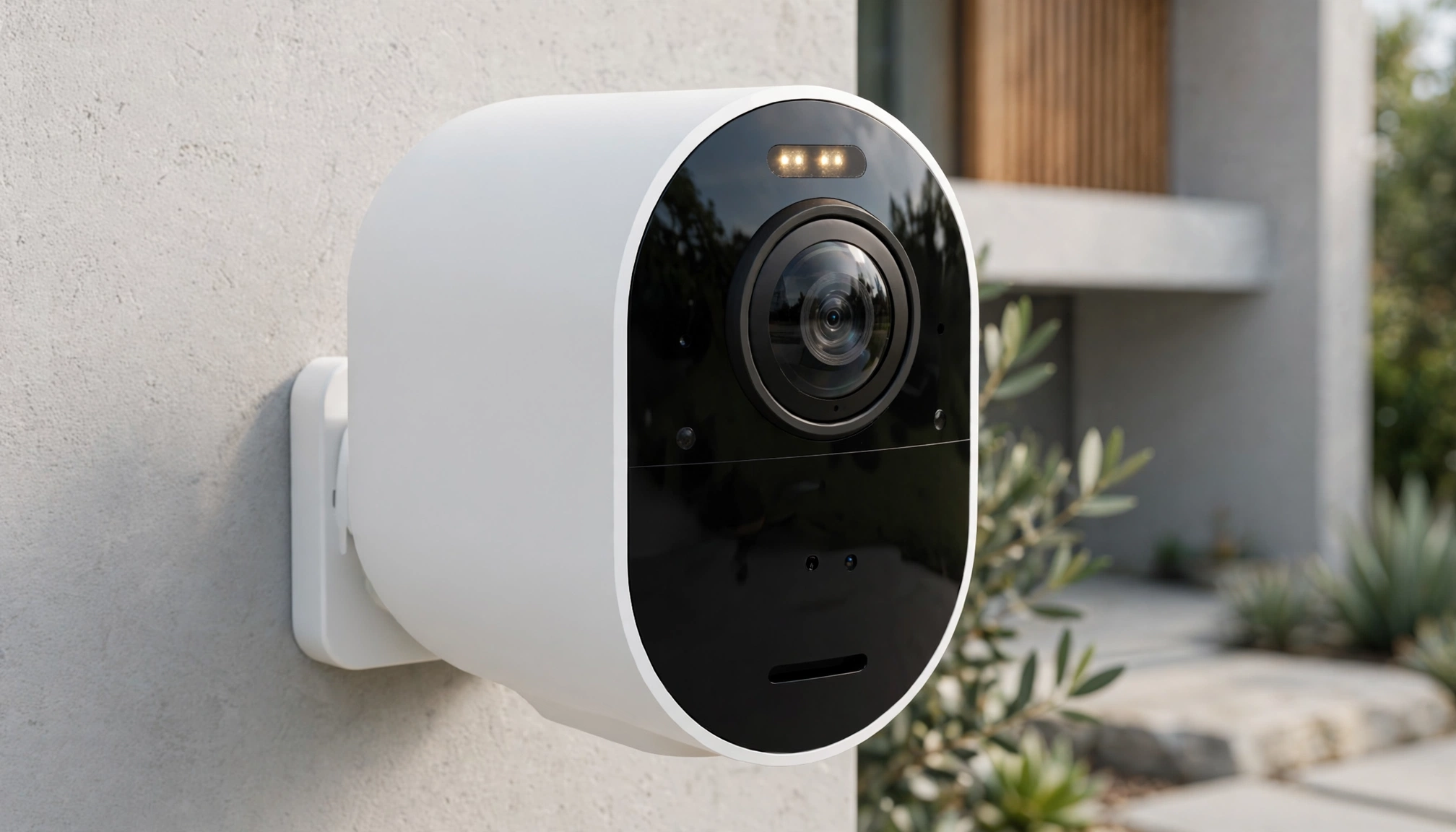
Arlo Ultra 2 camera setup
2. Ring Alarm Pro
Ring Alarm Pro integrates a full security system with a Wi-Fi 6 Eero router, offering local processing and backup internet. Its AI features are primarily focused on its cameras, which integrate smoothly with the Alarm Pro base station.
- Key AI Features: Person Detection, Package Detection, Rich Notifications (with Ring Protect Plan). The Eero router allows for local video processing and storage, enhancing privacy and speed.
- Video Quality: Up to 1080p HD for most Ring cameras (e.g., Ring Spotlight Cam Pro).
- Storage: Local storage for Ring cameras via a microSD card in the Alarm Pro base station, plus cloud storage with a Ring Protect Plan.
- Cost: Ring Alarm Pro 8-piece kit costs about $299.99. Ring Protect Pro plan is $20/month or $200/year, including 24/7 professional monitoring, local video storage, and Eero Secure features.
- Pros: Integrated Wi-Fi router, local storage for cameras, professional monitoring, easy DIY installation.
- Cons: Full AI features require a subscription, camera quality is 1080p, not 4K.
3. Google Nest Cam (Battery)
Google Nest Cams leverage Google's extensive AI capabilities for highly accurate object recognition. The battery-powered version offers flexibility in placement.
- Key AI Features: Person, Animal, Vehicle detection, Familiar Faces (with Nest Aware), Activity Zones, Sound Detection (glass breaking, smoke alarm).
- Video Quality: 1080p HD with HDR.
- Storage: 3 hours of event video history locally, cloud storage with Nest Aware.
- Battery Life: 1.5 to 7 months depending on activity, settings, and temperature.
- Cost: Single camera costs around $179.99. Nest Aware plans start at $8/month or $80/year for 30 days of event video history and Familiar Faces. Nest Aware Plus is $15/month or $150/year for 60 days of event video history and 10 days of 24/7 continuous recording (for wired cameras).
- Pros: Excellent AI accuracy, seamless integration with Google Home ecosystem, local event storage.
- Cons: 1080p video, full features require Nest Aware subscription, battery life can vary significantly.
4. SimpliSafe (with Smart Alarm Indoor Camera)
SimpliSafe is known for its DIY security systems, and its Smart Alarm Indoor Camera adds AI-powered detection to its ecosystem. The camera uses AI to verify threats before alerting monitoring centers.
- Key AI Features: Person Detection, Motion Zones, Two-Way Audio, and a unique feature where the camera can record and send a short clip to SimpliSafe's monitoring center for verification before dispatching police.
- Video Quality: 1080p HD.
- Storage: Cloud storage with a SimpliSafe monitoring plan.
- Cost: SimpliSafe Foundation kit starts at $249.99. The Smart Alarm Indoor Camera costs $139.99. Professional monitoring plans start at $19.99/month (Standard) or $29.99/month (Fast Protect) for full AI features, cloud storage, and professional monitoring.
- Pros: Easy DIY installation, affordable monitoring, professional monitoring with AI verification, good for renters.
- Cons: Camera AI is less advanced than Arlo or Google, 1080p video, no local storage.
Comparison Table: Top AI-Powered Home Security Systems 2026
| Feature | Arlo Ultra 2 | Ring Alarm Pro | Google Nest Cam (Battery) | SimpliSafe (with Smart Alarm) |
|---|---|---|---|---|
| Video Resolution | 4K HDR | 1080p HD | 1080p HD HDR | 1080p HD |
| Key AI Features | Person, Vehicle, Animal, Package Detection | Person, Package Detection, Rich Notifications | Person, Animal, Vehicle, Familiar Faces | Person Detection, AI-verified alarms |
| Local Storage | Yes (via SmartHub microSD) | Yes (via Alarm Pro microSD) | Yes (3 hours event history) | No |
| Battery Life | Up to 6 months | N/A (Wired/Battery options vary) | 1.5 - 7 months | N/A (Wired) |
| Starting Kit Price | ~$599 (2 cameras) | ~$299 (8-piece kit) | ~$179 (1 camera) | ~$249 (Foundation Kit) |
| Monthly Subscription | $4.99 - $14.99+ (for cloud/AI) | $20 (for Protect Pro) | $8 - $15 (for Nest Aware) | $19.99 - $29.99 (for monitoring/AI) |
| Professional Monitoring | Optional (via third-party integration) | Yes | No | Yes |
| Installation | DIY (Wire-free) | DIY | DIY (Wire-free) | DIY |
Privacy and Security Considerations
AI-powered security systems collect a lot of data, especially video. It is essential to understand how this data is used and protected.
- Data Encryption: Ensure your system uses strong encryption for data in transit and at rest. Most reputable brands use AES-128 or AES-256 encryption.
- Local Processing vs. Cloud Processing: Systems with local processing (edge AI) analyze video on the device itself, sending only event-based clips to the cloud. This reduces the amount of personal data transmitted and stored externally. Ring Alarm Pro and Arlo Ultra 2 offer good local storage options.
- Two-Factor Authentication (2FA): Always enable 2FA for your security system accounts to prevent unauthorized access.
- Privacy Zones: Use features that allow you to black out certain areas of the camera's view (e.g., a neighbor's window) to protect their privacy.
- Data Retention Policies: Check how long your provider stores video footage and other data. Many offer options to delete data after a certain period. For example, Google Nest Aware allows users to choose their data retention period within limits.
Installation and Setup
Most modern AI-powered home security systems are designed for DIY installation.
- Wireless Systems: Many cameras are battery-powered and connect wirelessly, making placement flexible. You just need a strong Wi-Fi signal.
- Wired Systems: Some cameras and base stations require a power outlet. If you need to run new wiring, professional installation might be necessary.
- App-Based Setup: All systems use a smartphone app for setup, configuration, and daily management. The apps guide you through pairing devices, setting up activity zones, and customizing notifications.
- Professional Installation: While DIY is common, professional installation is an option for many systems, especially those with more complex components or for users who prefer expert setup. The average cost for professionally installing an AI-powered home security system in 2026 ranges from $199 to $499, depending on the system's complexity and the number of devices. Companies like ADT offer professional installation services for their smart home security solutions.
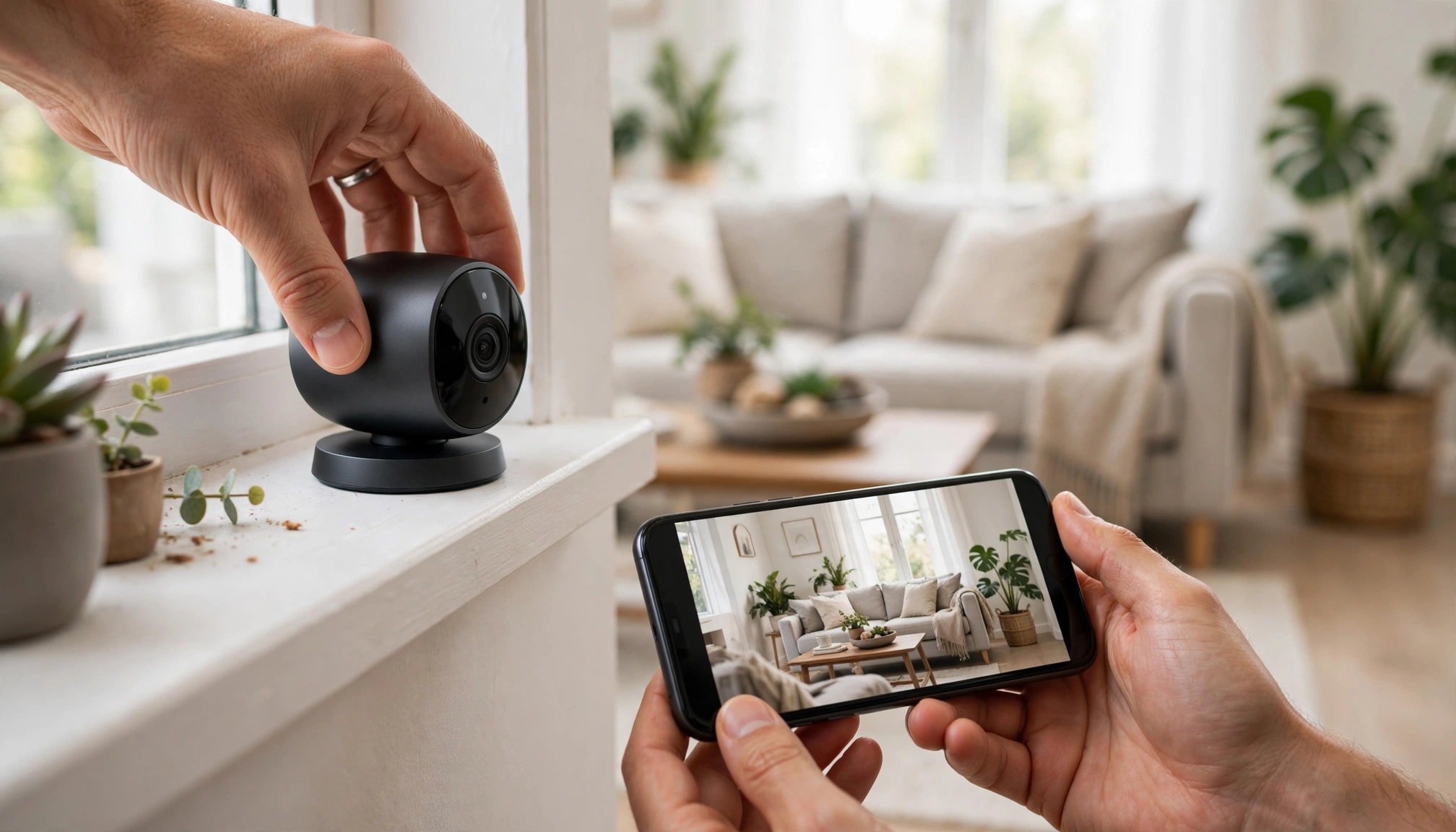
A person setting up a smart home security camera on a windowsill, with a smartphone showing the companion app interface.
Cost Considerations
The total cost of an AI-powered home security system includes the initial hardware purchase, potential installation fees, and ongoing subscription costs.
- Hardware: Entry-level kits start around $150-$300, while more comprehensive systems with multiple 4K cameras can exceed $1000.
- Installation: DIY saves money. Professional installation can add $199-$499 to the upfront cost.
- Subscriptions: Most AI features, cloud storage, and professional monitoring require a monthly or annual subscription. These range from $5 to $60 per month. Without a subscription, many systems lose significant functionality, like advanced object recognition or cloud video history