How to Optimize Smart Home Energy Consumption in 2027
Optimizing your smart home's energy consumption goes beyond just buying smart devices. It requires a strategic approach to installation, configuration, and ongoing management. In 2027, the technology offers significant savings, but only if you use it correctly. This guide breaks down the practical steps to cut your energy bills and reduce your carbon footprint.
1. Start with a Centralized Energy Management System
The biggest hurdle for many smart home users is device fragmentation. You have five different apps for five different brands. A centralized energy management system (EMS) or a robust smart home hub brings everything under one roof. This allows devices from different manufacturers to communicate and automate energy-saving routines.
Look for systems that support open standards like Matter or Thread, which improve interoperability. Brands like Apple HomeKit, Google Home, and Amazon Alexa offer varying levels of EMS capabilities. Dedicated energy management platforms, often provided by utility companies or third-party services, give you deeper insights into consumption patterns. These platforms use AI to analyze your usage data, predict peak demand times, and suggest optimal schedules for high-draw appliances.
Practical Tip: Before buying new devices, check their compatibility with your chosen EMS. A system that integrates with your local utility's smart meter gives you real-time consumption data, often broken down by appliance type.
2. Master Your Smart Thermostat Settings
Smart thermostats are a cornerstone of energy efficiency. They save approximately 10-12% on heating and 15% on cooling costs annually for the average U.S. household, which translates to $131-$145 saved per year based on 2026 energy prices. However, they need proper configuration.
- Scheduling: Set a precise schedule that matches your family's routine. Don't rely solely on geofencing if your schedule is inconsistent. For example, program the temperature to rise to 78°F (25.5°C) in summer or drop to 60°F (15.5°C) in winter when no one is home.
- Optimal Temperatures: The U.S. Department of Energy recommends 68°F (20°C) during heating seasons and 78°F (25.5°C) during cooling seasons when the home is occupied. Adjust these by a few degrees when you sleep or are away.
- Learning Mode vs. Manual Control: Many smart thermostats have a "learning mode" that adapts to your habits. If you find it's changing the temperature when you don't want it to, switch to a more controlled scheduling mode. Review the learned schedule weekly and make manual adjustments.
- Zoning: If your home has multiple zones, use separate smart thermostats for each. This prevents heating or cooling unused areas. For example, keep the upstairs bedrooms cooler at night in summer if you sleep downstairs.
- Integrate with Window/Door Sensors: Link your thermostat to smart window and door sensors. The system should automatically pause HVAC operation if a window or door is left open for more than 5 minutes. This prevents significant energy waste.
3. Optimize Smart Lighting with LEDs and Sensors
Smart lighting systems, especially when using LED technology and occupancy sensors, reduce lighting energy consumption by up to 70% compared to traditional incandescent bulbs. A typical 1,000-lumen smart LED bulb consumes 9-10 watts.
- Switch to LEDs: Replace all incandescent and CFL bulbs with smart LEDs. They last longer (up to 25,000 hours) and use significantly less power.
- Occupancy/Vacancy Sensors: Install occupancy sensors in high-traffic areas like hallways, bathrooms, and utility rooms. Lights turn on when someone enters and off when the room is empty. For bedrooms, use vacancy sensors, which require a manual turn-on but automatically turn off after a set period of no motion.
- Daylight Harvesting: Use smart lights with ambient light sensors. These automatically dim or turn off lights when sufficient natural light is available, particularly near windows.
- Scheduling and Scenes: Program lights to turn off automatically at specific times or create "away" scenes that dim or turn off all lights when you leave the house. For example, all exterior lights can turn off at sunrise (automatically detected by the system) and turn on at sunset.
4. Leverage Smart Plugs to Eliminate Phantom Load
Phantom load, or "vampire drain," is the power consumed by electronics even when they are turned off or in standby mode. This can account for 5-10% of your household's electricity use. Smart plugs are an inexpensive solution.
- Identify High-Draw Devices: Use a power meter (available for about $20-$30) to measure the standby power consumption of your electronics. Common culprits include TVs, gaming consoles, computer peripherals, coffee makers, and phone chargers.
- Connect to Smart Plugs: Plug these devices into smart plugs. Group them by room or function.
- Automate Power Off: Schedule smart plugs to cut power to these devices overnight or when you are away. For example, your entertainment center (TV, soundbar, gaming console) can power off completely at midnight and power back on at 6 AM.
- Monitor Usage: Many smart plugs track energy consumption. Use this data to identify which devices are the biggest energy hogs and prioritize their management.
5. Choose Energy Star Certified Smart Appliances
When upgrading appliances, prioritize Energy Star certified smart models. These are, on average, 20-30% more energy-efficient than non-certified models. A 2026 Energy Star smart refrigerator costs an average of $65-$75 annually to operate.
- Smart Features: Look for features like delayed start options for dishwashers and washing machines, allowing them to run during off-peak electricity hours (if your utility offers time-of-use rates). Smart refrigerators often have advanced temperature management and door-open alerts.
- Integration: Ensure these appliances integrate with your central EMS. This allows for unified control and monitoring. For example, your EMS could alert you if the refrigerator door is left ajar for too long.
- Regular Maintenance: Even smart appliances benefit from regular maintenance. Clean refrigerator coils annually, and run dishwasher cleaning cycles monthly to maintain efficiency.
6. Consider Residential Solar with Smart Integration
Residential solar panel installations with integrated smart home energy management systems saw a 14% increase in adoption in Q3 2026. The average 6 kW system costs between $16,000 and $21,000 after federal tax credits.
- Maximize Self-Consumption: A smart EMS connected to your solar array helps you maximize self-consumption. It can automatically shift high-draw activities (like charging an EV or running the dishwasher) to periods when your solar panels generate the most electricity.
- Battery Storage: Integrate battery storage. Your EMS can then decide whether to use solar power directly, store it in batteries for later use (e.g., during peak evening hours), or export it to the grid based on electricity prices and your consumption needs.
- Monitoring: Solar monitoring apps provide detailed insights into your generation and consumption, helping you identify opportunities for further optimization.
7. Monitor and Analyze Your Energy Data
The global smart home energy management market is projected to reach $8.9 billion by the end of 2026, driven by advancements in AI-powered predictive analytics and grid integration. This means you have powerful tools at your disposal.
- Dashboard Review: Regularly review your EMS dashboard. Look for spikes in consumption, identify which devices are using the most power, and track your savings over time.
- Utility Data Integration: Link your smart home system to your utility provider's online portal. Many utilities offer detailed usage breakdowns and comparisons to similar homes. This helps you benchmark your performance.
- AI-Powered Insights: Many advanced EMS platforms use AI to provide personalized recommendations. For example, it might suggest adjusting your thermostat by 2 degrees during specific hours based on weather forecasts and your historical usage patterns.
- Set Goals: Set monthly or quarterly energy consumption goals. Gamify the process to keep yourself motivated.
| Device Category | Traditional (2026) | Smart (2026) | Annual Cost Savings Potential |
|---|---|---|---|
| Thermostat | Manual/Programmable | Smart/Learning | $131-$145 (10-15%) |
| Lighting | Incandescent/CFL | Smart LED | Up to 70% |
| Refrigerator | Non-Energy Star | Energy Star | $20-$30 (20-30%) |
| Phantom Load | Unmanaged | Smart Plugs | 5-10% of total bill |
| HVAC | Basic Unit | Zoned/Smart | 15-20% (with proper use) |
Note: Savings are approximate and depend on local energy prices, home insulation, and usage habits.
8. Address Common User Problems
- "My smart thermostat keeps changing the temperature when I don't want it to."
- Solution: Check the thermostat's learning mode settings. Many allow you to disable or refine the learning algorithm. Manually set a fixed schedule for a week to override any unwanted changes. Ensure geofencing is calibrated correctly or disable it if your phone's location data is inconsistent. Review the "away" and "home" temperature settings for accuracy.
- "I bought all these smart plugs, but I don't really know what to connect to them or if they're actually saving me money."
- Solution: Use a kill-a-watt meter (around $25) to measure the standby power of your devices. Prioritize electronics with constant displays, external power bricks, or those that are always "listening" (like older smart speakers). Focus on devices you can truly power off without inconvenience, such as entertainment centers, computer peripherals, and kitchen gadgets. Track energy usage through the smart plug app to see tangible savings.
- "My smart home devices from different brands don't talk to each other."
- Solution: Invest in a central smart home hub that supports multiple protocols (Wi-Fi, Zigbee, Z-Wave, Thread, Matter). Popular options include Samsung SmartThings, Hubitat, or even a robust Home Assistant setup. These hubs act as translators, allowing devices from different ecosystems to communicate and automate routines. For example, a Philips Hue light (Zigbee) can respond to a motion sensor from Aeotec (Z-Wave) via the hub.
Final Verdict & Practical Takeaways
Optimizing smart home energy consumption in 2027 is an ongoing process, not a one-time setup. The key is active management and leveraging the data your devices provide. Start with a robust central system, carefully configure your smart thermostat and lighting, and use smart plugs to eliminate phantom load. Prioritize Energy Star certified appliances during upgrades and consider solar integration for maximum impact. Regularly review your energy data and adjust settings based on real-world usage. This proactive approach ensures you maximize savings, reduce your environmental footprint, and gain full control over your home's energy profile.
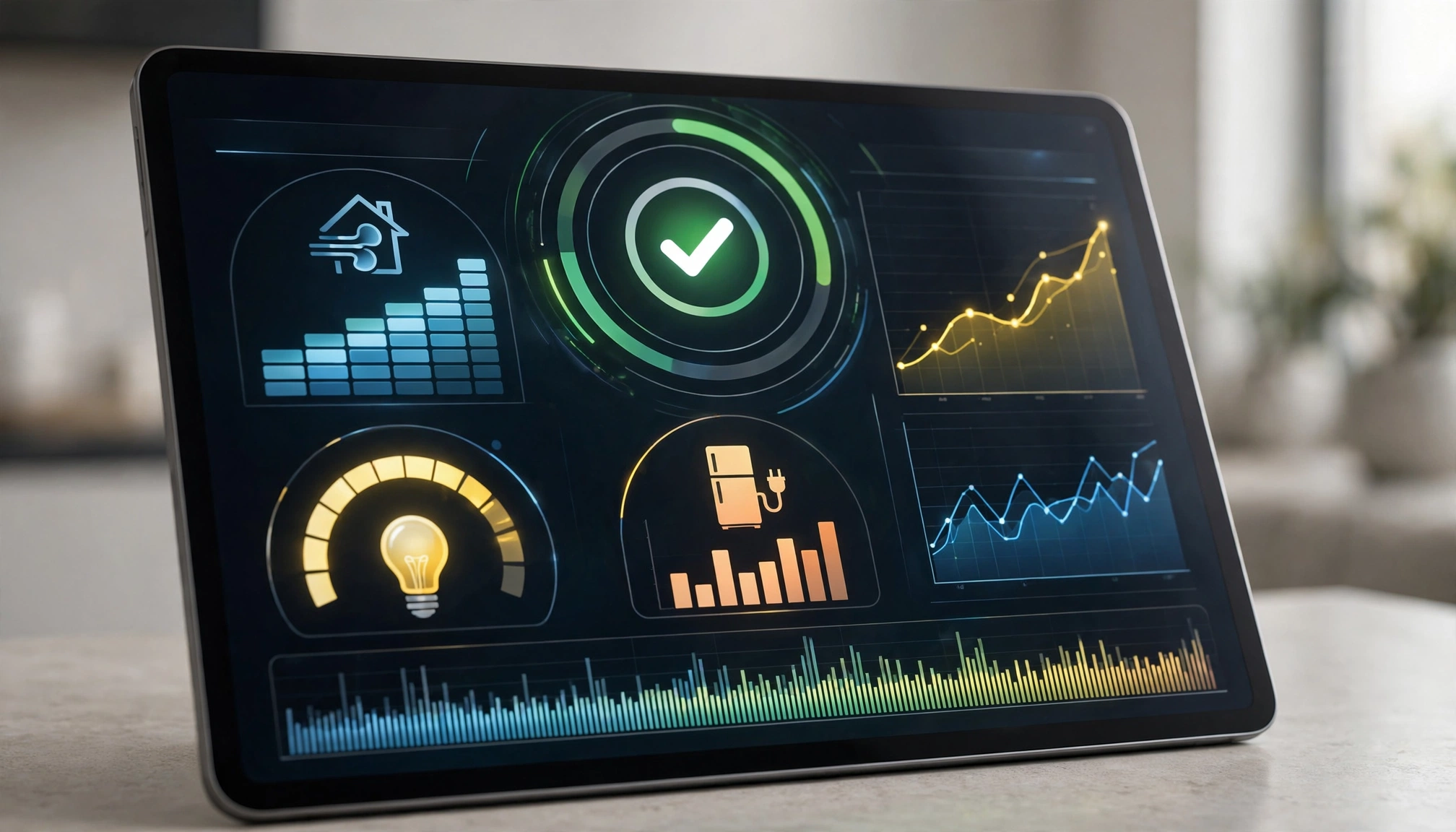
Smart home energy dashboard
Frequently Asked Questions
Q1: How much money can I realistically save with smart home energy optimization?
You can realistically save 10-20% on your annual energy bills. The average U.S. household saves $131-$145 per year just from a smart thermostat. Adding optimized lighting, smart plugs for phantom load, and efficient appliances significantly increases this. Total savings depend on your initial consumption, local energy rates, and how diligently you configure and manage your smart home system.