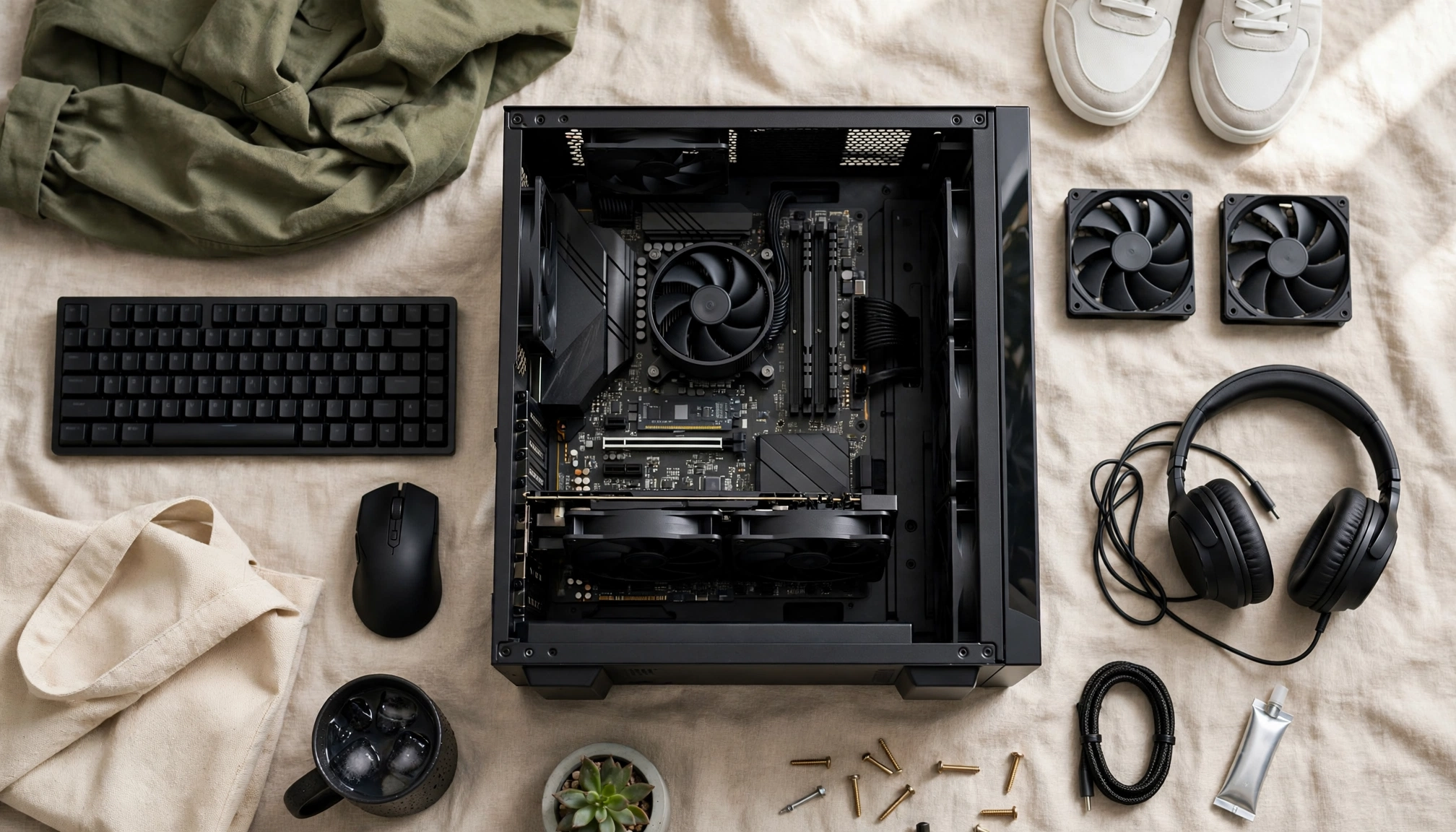
The Reality of Budget Gaming PCs in 2026
Building or buying a budget gaming PC in 2026 means making smart choices, not massive sacrifices. The biggest misconception is that "budget" means only playing old games or running new titles at terrible settings. That is simply not true anymore. A well-configured budget system today comfortably handles 1080p gaming at high settings for most current titles. You won't hit 4K/120fps, but you will get a smooth, enjoyable experience for around $785 USD, which is the average price for a capable 1080p/60fps system in Q4 2026.
The goal here is to maximize performance per dollar, focusing on the core components that drive gaming. We are looking for a system that avoids stuttering and runs new games at decent settings, addressing common frustrations users face.
What "Budget" Means for Gaming Performance
When we talk about a budget gaming PC, we are targeting specific performance metrics:
- Resolution: 1080p (1920x1080 pixels). This is the sweet spot for cost-effective gaming.
- Frame Rate: A consistent 60 frames per second (fps) or higher. This provides a smooth visual experience.
- Settings: High to Very High in most modern AAA titles. You might need to dial back a few demanding settings, but overall visual fidelity stays strong.
Core Components: Where Your Money Goes
Every dollar in a budget build counts. Here is a breakdown of the essential components and why they matter.
1. Graphics Card (GPU): The Gaming Engine
The GPU is the single most important component for gaming performance. It handles rendering all the visuals you see on screen. For 1080p gaming, you need a card that can push enough frames without costing more than the rest of your PC combined.
- Recommendation: NVIDIA GeForce RTX 4060 or AMD Radeon RX 7600.
- The NVIDIA GeForce RTX 4060 is a strong contender. It typically consumes 115W of power under load, making it efficient. It handles 1080p gaming very well, often hitting 60fps+ in demanding titles with DLSS enabled.
- The AMD Radeon RX 7600 offers similar performance at a competitive price point.
- What to look for: 8GB of VRAM is generally sufficient for 1080p gaming in 2026. More is better, but 8GB keeps costs down and still performs well.
- Cost Expectation: $280-$350. This will be the largest single expense in your build.
2. Processor (CPU): The Brain of the Operation
While the GPU handles graphics, the CPU manages game logic, AI, physics, and feeds instructions to the GPU. A weak CPU can bottleneck even a powerful GPU, leading to stuttering.
- Recommendation: AMD Ryzen 5 7600 or Intel Core i5-13400F/14400F.
- The AMD Ryzen 5 7600 is an excellent choice for budget gaming. It has a base clock speed of 3.8 GHz and boosts up to 5.1 GHz. It offers strong single-core performance, which is crucial for many games. It also uses the AM5 platform, which provides an upgrade path.
- Intel's i5-13400F or 14400F are also solid options, often found at similar price points.
- What to look for: At least 6 cores and 12 threads. High clock speeds are more important than core count for most games.
- Cost Expectation: $190-$230.
3. Motherboard: The Central Hub
The motherboard connects all your components. For a budget build, you need one that supports your chosen CPU and RAM, has enough ports, and offers basic features.
- Recommendation:
- For AMD Ryzen 5 7600: An AM5 B650 chipset motherboard. These are entry-level for the AM5 platform but offer good features.
- For Intel i5: A B760 chipset motherboard.
- What to look for:
- Socket: Must match your CPU (e.g., AM5 for Ryzen 7000 series).
- RAM Slots: At least two DDR5 slots.
- PCIe Slot: At least one PCIe Gen 4 x16 slot for your GPU.
- M.2 Slots: At least one M.2 slot for your NVMe SSD.
- Cost Expectation: $120-$160. Do not cheap out excessively here; a stable motherboard is key.
4. RAM (Memory): Multitasking & Game Assets
RAM stores temporary data that the CPU needs to access quickly. For gaming, 16GB is the minimum you should consider in 2026.
- Recommendation: 16GB (2x8GB) DDR5 RAM.
- DDR5 RAM is now standard, with speeds starting at 4800 MT/s. A 16GB (2x8GB) kit costs around $70 USD.
- Aim for speeds of 5200 MT/s to 6000 MT/s if your budget allows, as Ryzen CPUs benefit from faster RAM.
- What to look for: Two sticks of RAM (dual channel) is better than one for performance. Check your motherboard's QVL (Qualified Vendor List) for compatibility, though most major brands work fine.
- Cost Expectation: $65-$80.
5. Storage (SSD): Fast Loading Times
An NVMe SSD is non-negotiable for a gaming PC in 2026. It drastically reduces game loading times and overall system responsiveness compared to older SATA SSDs or HDDs.
- Recommendation: 1TB NVMe PCIe Gen 4 SSD.
- A 1TB NVMe PCIe Gen 4 SSD currently retails for approximately $65 USD. This offers a good balance of capacity and speed for your operating system and several large games.
- What to look for: PCIe Gen 4 offers faster speeds than Gen 3. Brands like Crucial, Western Digital, and Samsung offer reliable budget options.
- Cost Expectation: $60-$80.
6. Power Supply Unit (PSU): Stable Power Delivery
The PSU supplies power to all your components. Do not skimp here. A cheap, unreliable PSU can damage your components or cause system instability.
- Recommendation: 550W-650W 80 Plus Bronze certified PSU.
- The RTX 4060 typically consumes 115W. A 550W unit provides plenty of headroom for the CPU and other components.
- What to look for:
- Efficiency Rating: 80 Plus Bronze or better. This means it converts power more efficiently, wasting less as heat.
- Reputable Brand: Corsair, Seasonic, Cooler Master, EVGA, be quiet! are good choices.
- Warranty: Longer warranties often indicate better quality.
- Cost Expectation: $60-$80.
7. Case: Airflow and Aesthetics
The PC case houses all your components. Good airflow is essential to keep temperatures down and prevent thermal throttling.
- Recommendation: Any mid-tower ATX case with good front airflow.
- What to look for:
- Mesh Front Panel: Allows air to enter easily.
- Pre-installed Fans: At least one intake and one exhaust fan.
- Size: Ensure it fits your GPU length and CPU cooler height.
- Cable Management: Space behind the motherboard tray helps with tidiness and airflow.
- Cost Expectation: $50-$70.
Component Comparison Table
Here is a quick comparison of recommended budget components:
| Component | Recommended Option | Key Specification | Approx. Price (USD) |
|---|---|---|---|
| CPU | AMD Ryzen 5 7600 | 6 Cores, 12 Threads, 5.1 GHz Boost | $200 |
| GPU | NVIDIA RTX 4060 | 8GB GDDR6 VRAM, 115W TDP | $300 |
| Motherboard | AMD B650 (AM5) | DDR5, PCIe Gen 4, M.2 | $140 |
| RAM | 16GB (2x8GB) DDR5 | 5200-6000 MT/s | $70 |
| Storage | 1TB NVMe PCIe Gen 4 SSD | 1TB Capacity, Fast Read/Write | $65 |
| PSU | 550W 80 Plus Bronze | Reputable Brand | $70 |
| Case | Mid-Tower with Mesh Front | Good Airflow, 2 Fans | $60 |
| Total | $905 |
Note: Prices are estimates and can fluctuate based on sales and retailers. This total is slightly above the average $785 due to rounding up on individual components for safety, and assumes new parts.
Building vs. Buying Pre-Built
You have two main paths: building it yourself or buying a pre-built system.
Building Your Own PC
Pros:
- Cost Savings: You often get more performance for your money.
- Customization: You pick every part to fit your needs and budget.
- Learning Experience: You understand how your PC works.
- Upgradeability: You know exactly what components you have, making future upgrades easier.
- Time Commitment: Researching parts, assembling, and troubleshooting takes time.
- Complexity: It can be daunting for first-timers.
- No Single Warranty: Each component has its own warranty, not a single system warranty.
Buying a Pre-Built PC
Pros:
- Convenience: Ready to use out of the box.
- Warranty: One warranty covers the entire system.
- Support: A single point of contact for technical issues.
- No Assembly: No need to worry about compatibility or installation.
- Higher Cost: You pay a premium for assembly and support.
- Component Quality: Manufacturers sometimes use cheaper, unbranded components (e.g., PSUs, RAM) to save money.
- Limited Customization: You are stuck with the configurations offered.
- Bloatware: Pre-installed unnecessary software can slow down your system.
Essential Considerations Beyond the Core Components
Cooling
The average operating temperature for a well-cooled budget gaming PC CPU under heavy load is 149°F (65°C). Keeping your components cool extends their lifespan and maintains performance.
- CPU Cooler: The AMD Ryzen 5 7600 often comes with a stock cooler (Wraith Stealth) that is adequate for basic use. For better temperatures and quieter operation, consider an aftermarket air cooler like the